
Remember the shared events
Bring forward the moments that explain where the adventure stands. Start from your recorded session data or write the account yourself.
Remember the session. Carry the story.
A companion opens a personal session folio while her group remembers the river crossing. Turn the events you recorded into a recap the table can return to.

Help the table return
A useful recap brings the story back within reach.
Bring forward the moments that explain where the adventure stands. Start from your recorded session data or write the account yourself.
Keep what happened, what changed, rumours and open leads distinct. Review the generated rumours as prompts rather than confirmed facts.
Write a personal contribution and the thread that matters next. The notes sit separately from the shared recap for careful manual handout.
Read your reviewed recap before play, or share it between sessions. It restores context without prescribing what anyone must do next.
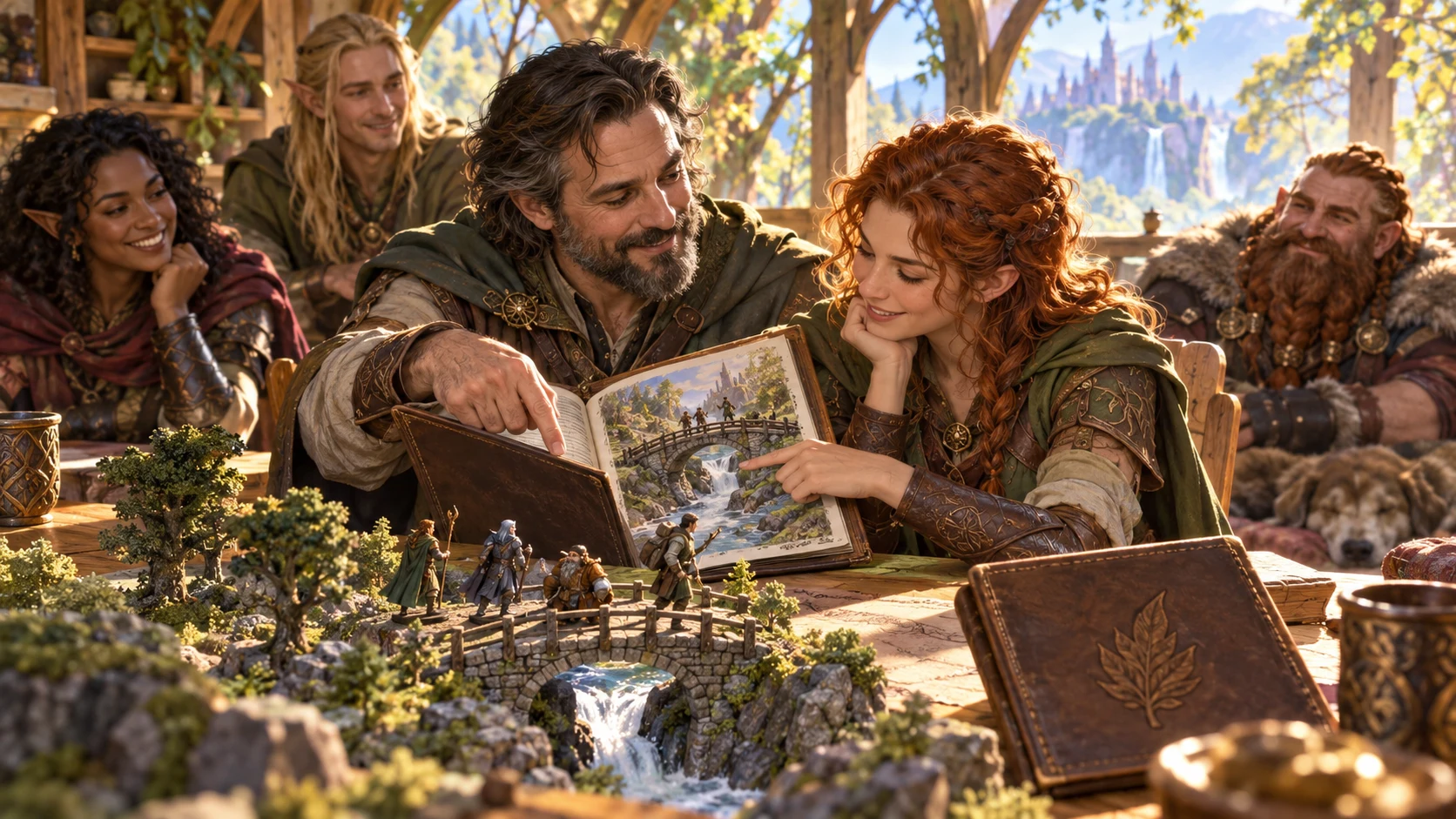
Review the shared session
Two companions review an illustrated folio beside a river-bridge terrain model. This is an illustration of reviewing the adventure, not an application screen.
Gather the events, known consequences and contributions you want readers to remember. Check who should know each detail before placing it in the shared recap.
From record to recap
One deliberate review before the table reads it.
Paste session JSON in Derive from session data, or choose Write it myself and fill in your sections. Load sample data shows the structured input shape.
Choose Discord, Markdown or plain text. Derived mode also offers exposure and rumour density; written mode uses your sections without those limits.
Read every event, change, rumour and lead. Review private details and omitted sections, then edit the output text where the account needs your words.
Copy or Save the edited recap before changing its format. Split the combined character notes manually, then give each person only their intended part.
Your recap toolkit
Know which mode, format and snapshot you are using.
Paste structured session JSON with campaign details, combat, NPC interactions and consequences. Load sample data to see the expected shape; importing a file or recording the table is not part of this workflow.
Use Write it myself when there is no session file. Enter an opening, events, outcome, facts, rumours, rewards, world changes and hooks; blank sections are left out of the full recap.
Tight, Standard and Generous bound the number of events, changes, rumours and leads. Exposure limits are item limits, not automatic secrecy redaction; review every section before sharing.
Derived rumours use repeatable phrases around supplied changes or events, with a generic fallback. Low reduces their number; Standard and High share the same maximum. They are prompts, not verified campaign facts.
Add a player or character name, contribution, known personal fact and next thread. Notes appear as a separate combined block in either recap mode; Copy character notes copies all named characters, so split it yourself before individual sharing.
Derived recaps render the same four sections for Discord, Markdown or plain text. Authored Discord uses the first four event lines and first three hooks; Markdown and plain text contain the same full written recap.
Save the result, edited text, format, mode, authored sections and character roster in machine-local application data. The source JSON, exposure, rumour density and tone controls are not restored by Open.
Tidy the output text, then Copy or Save it. Changing format replaces your edits with the generated version; keep an edited copy before switching. The current desktop product has no recap JSON export control.
Two ways to reach the recap
Generate, Write it, Characters and Saved keep the workflow accessible.
The derived view reads session metadata, combat, critical or fumble entries, NPC interactions and consequence flags. It selects recent entries by array order, not timestamps.
Enter campaign context, an opening and the sections your table needs. Blank sections stay out of the full version; private memory sits in separate fields.
Use a player name or character name to include a note. Contribution, known fact and next thread are your supplied words, without automatic audience filtering.
Keep a useful finished recap. Open returns the stored output, writing and characters, with generation inputs that still need checking before you regenerate.
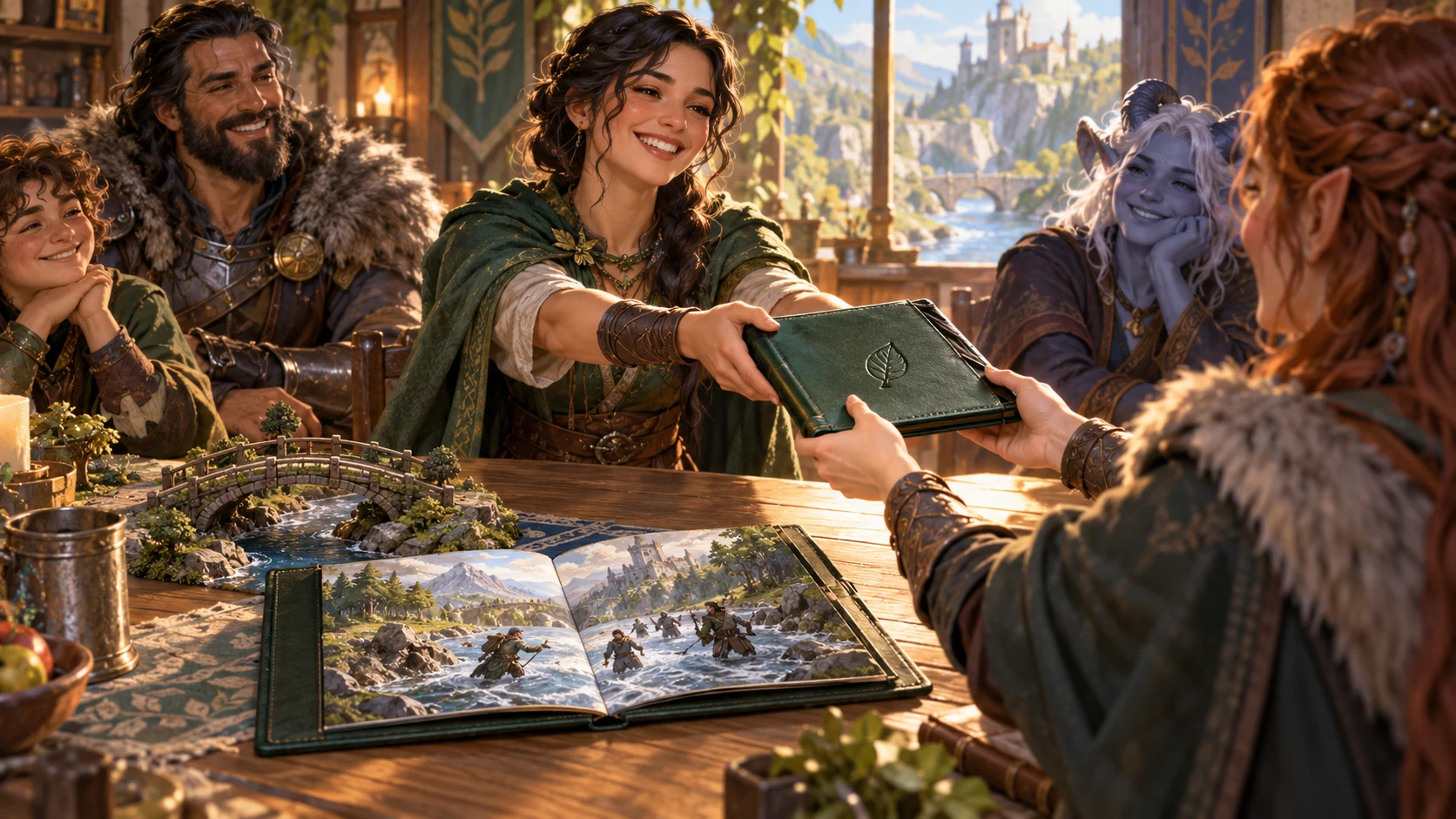
Share the finished recap
A companion passes a green folio to a red-haired player while the group watches. The illustration suggests a considered handout, not automatic delivery or generated image output.
Copy the reviewed recap into your preferred place. Character notes arrive as one combined block; separate each player’s portion before sharing it privately.
Keep the version you mean
Regenerate deliberately after changing writing or settings.
Copy or Save edits before switching format. A format change replaces the editable output with that format’s generated version, not a translation of your changes.
Authored Discord is a short selection of events and hooks, rather than the full document. Review omitted sections before choosing it for the table.
Derived rumours use session number and date for repeatable phrasing. Keep the same source data, exposure and density for the same recap; no separate seed control is offered.
Writing, character notes, tone and settings can change while the displayed result remains older. Press Generate again when you want those changes reflected.
Editorial judgement stays with you
Review audience, accuracy and campaign context yourself.
Exposure limits are item limits, not automatic secrecy redaction. The small mechanical-word filter does not cover every field or reliably remove every numeric fragment.
Template phrases can use a change, event or generic fallback. They do not verify truth, infer hidden motives or replace the campaign facts you established.
DM-only memory stays out of generated recap and note text. Its contents are stored in saved local JSON; there is no encrypted storage promise or automatic redaction of other inputs.
There is no automatic player delivery, permissions system, speech recording or campaign-state update. Review the whole character-note block and split it before individual handout.
Choose access for your toolkit
Begin with a free VISINVOKE account, then review your required selection and subscription.
Select Player Summary Generator individually. A free account does not by itself include paid generator access.
Choose five eligible standalone generators. Review tools and terms in your account; the selection pack does not include every VISINVOKE product.
Choose more selection capacity when it suits your toolkit. Review current tools and reselection terms before changing your subscription.
Combat PRO, Battlemaps and image products retain their own access requirements. Linked tools are separate from this generator selection.

Each Save keeps a separate local snapshot with the generated result, edited output, format, mode, authored writing and character roster. It also keeps authored private memory.
The source JSON, exposure, rumour density and tone controls are not restored by Open. Preserve the source data and check the controls before regenerating an opened recap.
Copy the editable output or the combined character notes. The current desktop product has no recap JSON export control, automatic message sending or built-in print action.
Snapshots stay in this machine’s application data. There is no draft auto-save, cloud sync or undo for Delete; maintain your own backup of important material.
Facts-only, rewards-only or private-memory-only authored input does not satisfy the current generation requirement. Include an opening, situation, outcome, events, changes, rumours or hooks.
Build your tabletop toolkit
Each card opens its own public website. Review purpose and access separately; links do not promise included access or automatic synchronisation.
Discover and open your supported Windows products through one connected VISINVOKE account.

Explore environment packs for tactical locations and the places your encounters unfold.
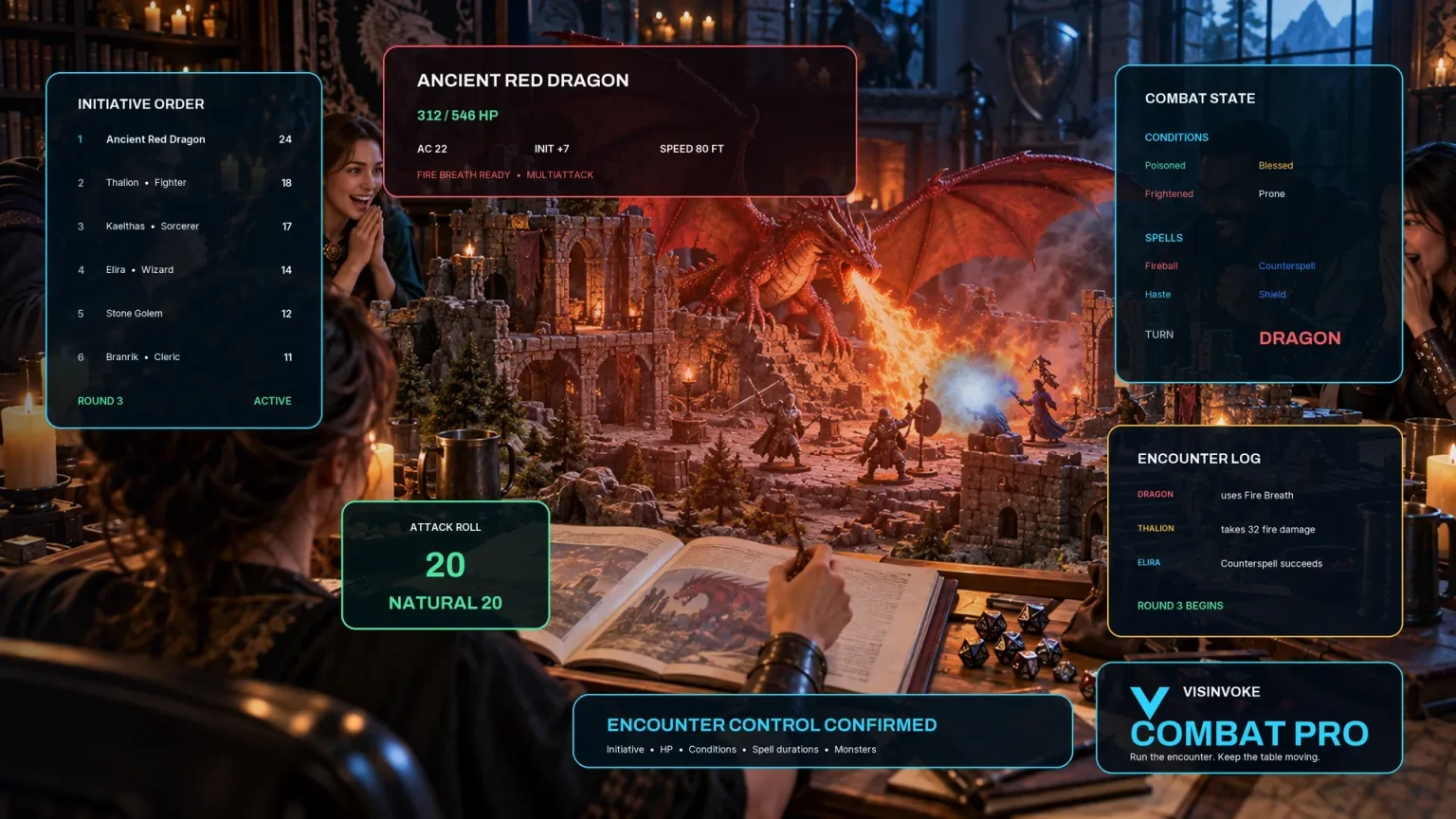
Prepare opposition and run tabletop encounters through a separate product with its own access.
Create focused character, monster, item and location images to complement your tabletop preparation.

Create guided commercial visuals for websites, brochures and wider creative projects.

Explore a separate futuristic RPG experience with its own world, characters and progression.
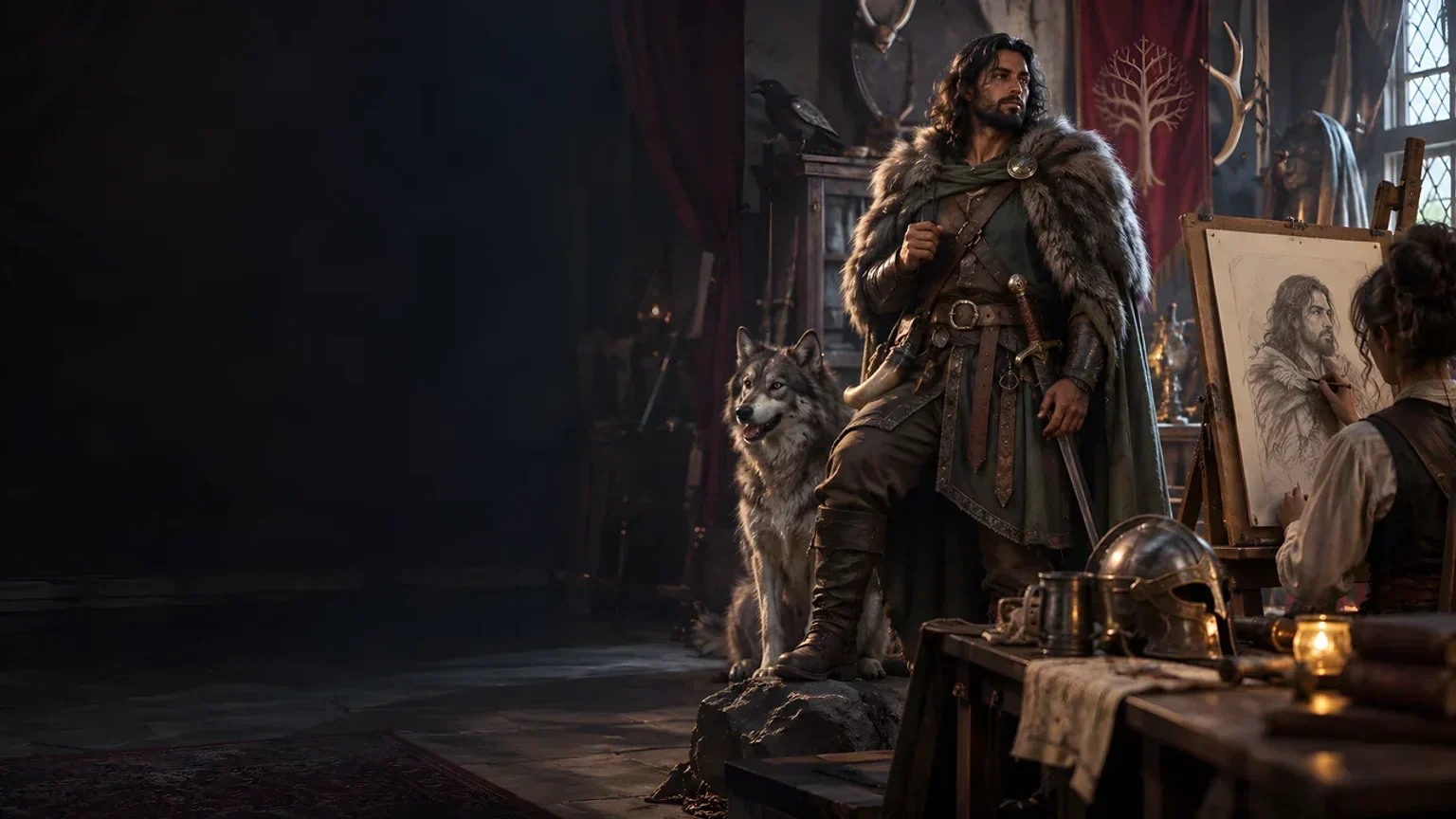
Product artwork illustrates shared recaps and tabletop review, not application screens or actual generated image output.
Quick answers
Understand the result and its limits before opening the tool.
No. Derive from session data accepts pasted structured JSON, and Load sample data shows the expected shape. Write it myself composes the sections you enter without requiring JSON. It does not listen to play, transcribe speech, read arbitrary prose as structured data or fetch another product’s session automatically. Your source notes and judgement remain essential.
Exposure limits bound item counts, not secrecy. A small mechanical-word filter applies to derived world changes and change-based rumour topics; events, leads, character notes and your authored words are not automatically sanitised. Some numeric fragments can remain. Keep private information out of player-facing inputs and review the entire result before sharing.
Derived output uses the same events, changes, rumours and leads with different presentation. Authored Markdown and plain text contain the same full recap; authored Discord includes only the first four event lines and first three hooks, or an outcome/fallback when events are empty. It omits many other written sections, the opening, tone and date. Switching format replaces edited output, so preserve your edits separately.
No delivery or player permissions are built into this tool. Named characters receive separate blocks inside one combined notes output; Copy character notes copies the whole block. Split it before giving each player their own part. The DM-only memory fields stay out of generated recap and note text, but their contents are stored in the saved local JSON. This is not encrypted storage or automatic redaction of other inputs.
Each Save creates a machine-local recap snapshot with the generated result, edited text, format, mode, authored writing and characters. Open restores these, but not the source JSON, exposure, rumour density or tone controls. Keep source data separately before regenerating. There is no draft auto-save, cloud sync or undo for Delete. Saving a recap also saves its authored private-memory fields.
Check names, consequences, rumour accuracy, hidden information, omitted sections and the intended audience. The derived view selects recent entries by array order, not timestamps, and rumours use repeatable phrases rather than analysing truth. Changes to settings or writing need Generate again. Facts-only, rewards-only or private-memory-only authored input does not satisfy the current generation requirement; include an opening, situation, outcome, events, changes, rumours or hooks. Create a free VISINVOKE account and select required paid generator access to open the Windows tool through Desktop Command Centre.
Continue in VISINVOKE
Create a free VISINVOKE account and choose required standalone generator access.
Get Desktop Command Centre from your account installer page. Sign in on Windows, then open Player Summary Generator.